We Launch GPIO Button – Simplified Hardware Control for AV Automation
We announce the release of GPIO-Button-10S, a dedicated control interface enabling straightforward “press-to-action” commands in AV installations.
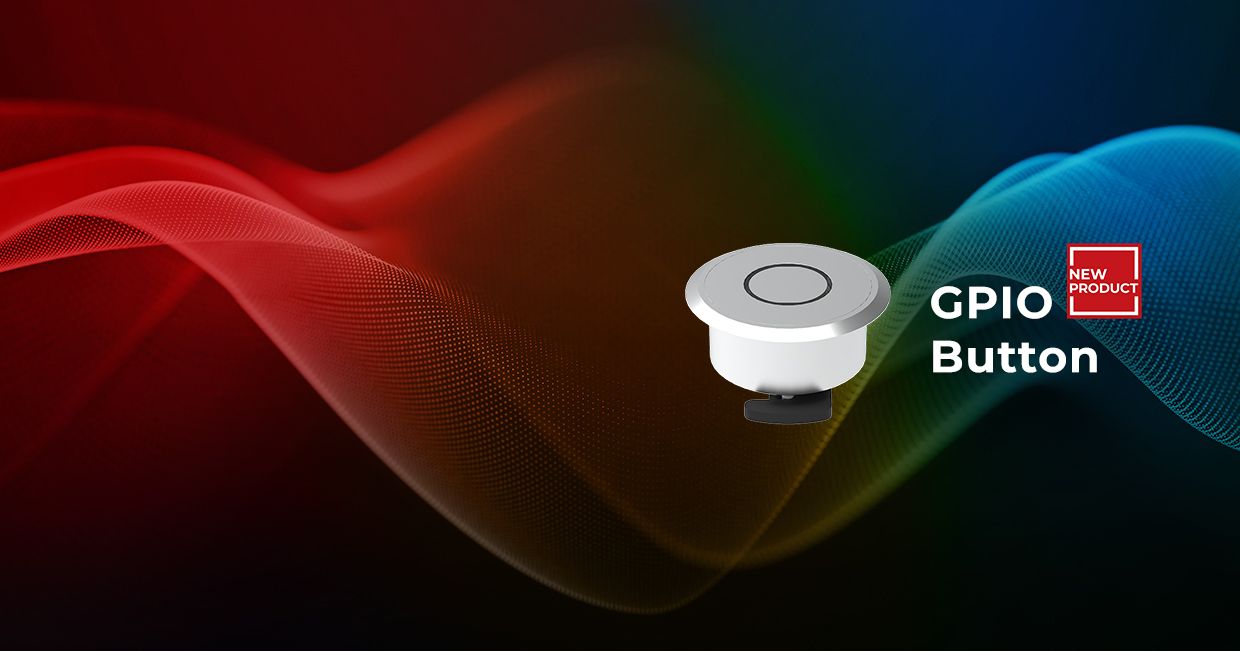
We announce the release of GPIO-Button-10S, a dedicated control interface enabling straightforward “press-to-action” commands in AV installations. The button provides integrators and end users with a reliable hardware control option for custom actions and fast, tactile operation. Designed for flexibility, the GPIO-Button-10S can be connected to any Lightware device equipped with GPIO ports and used as an input to trigger predefined control actions. This allows easy-to-use local control without the need for a separate, more complex processor for basic tasks.
We designed the GPIO Button to address a key gap in hardware control interfaces, by providing low-latency, tactile command execution with minimal configuration. It is the ideal companion for workflows that demand simplicity and precision.
explains Gergely Vida, CEO at Lightware.

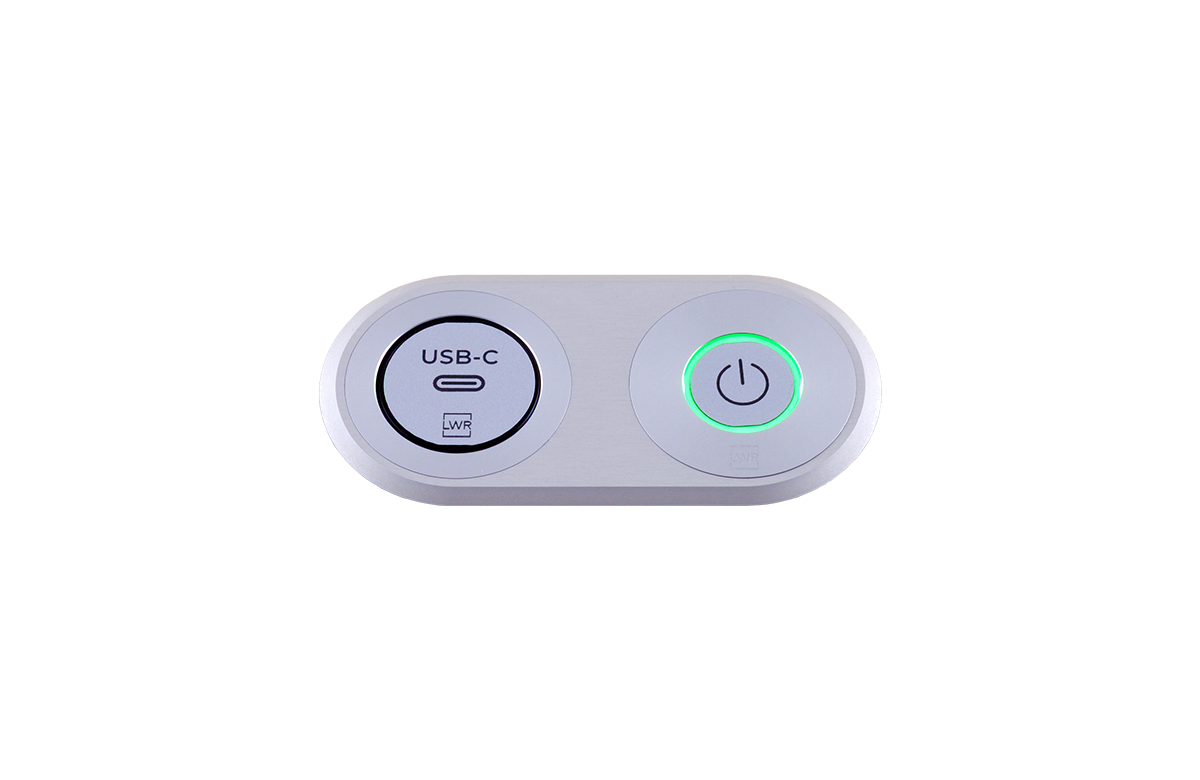
Up to two GPIO Buttons can be connected to a six-GPIO Lightware device, such as units from the Taurus or MMX2 range. Each button uses one GPIO channel for the button press and two GPIO channels to drive the feedback LED, providing clear visual confirmation of activation. The LEDs can display red, green, or blue, with three selectable light patterns – continuous, slow blink, or fast blink. This enables integrators to provide clear status feedback in any environment.
Once installed, the buttons can be fully configured using our LARA or Event Manager software, supporting single, double or long presses, each programmable to trigger distinct actions or sequences. With a fingertip-friendly diameter of 20.8 mm (0.82”), the button is suitable for frequent use in lecture halls, meeting rooms and boardrooms. In a lecture hall, a single press can start the projector, switch audio to the lecturer mic, and activate preset lighting, all without touching software menus. By providing immediate tactile control, the GPIO Button helps reduce setup time and streamlines workflows, allowing users to start sessions quickly and efficiently.
Integrators will appreciate the GPIO button’s plug-and-play simplicity, with a pre-terminated 2.5 m (8') pigtail for quick and reliable integration into AV systems. Plus, six pre-labelled icons and one customizable label ensure efficient function identification. The button also enhances manual control in BYOD and Microsoft Teams Room (MTR) setups, allowing users to switch inputs, trigger room presets, or mute and unmute devices with a single press. This hardware-level control reduces reliance on software menus, and ensures reliable operation for staff, volunteers, or meeting participants.