





Introducing Lightware’s Google Meet Integration
Elevate your Google Meet Hardware Kit with Lightware Taurus UCX, delivering BYOD, automation on ChromeOS.
Native BYOD Experience for Google Meet Rooms
This integration makes Taurus the only AV matrix switcher natively supported by Google Meet hardware on ChromeOS. Through certified communication with Lightware Taurus UCX devices, ensuring seamless transitions, meeting continuity, and accurate status visibility for users and IT administrators.This establishes a unique, fully supported pathway for combining professional AV switching with Google Meet environments.
Solution Highlights
Native BYOD/BYOM operation
Laptops join Google Meet rooms via USB-C with automatic device recognition and seamless switching between Meet and BYOD/BYOM modes.
USB-only integration
All communication between the Chromebox and room peripherals (camera, mic, speakers) is handled via USB.
Automatic mode switching
Taurus monitors call states and automatically switches between Google Meet mode and BYOD sessions.
Multi-Source USB-C switching
Multiple laptops can be connected simultaneously, enabling fast presenter changeovers and flexible hybrid workflows.
Google Admin Console
Taurus devices appear in the Google Admin Console, giving IT teams a unified interface for monitoring, managing, and troubleshooting room hardware.
Future-proof
Supported by Lightware and Google for long-term reliability.
Google Meet Solution by Itself
Google Meet makes connecting meetings simple and reliable, whether in the office, at the university, at home, or anywhere in between. With its stable video calls and intuitive interface, users can collaborate effectively right out of the box, without needing any additional setup.
The Lightware Solution
UCX integration extends the BYOD capabilities of standard Google Meet rooms.
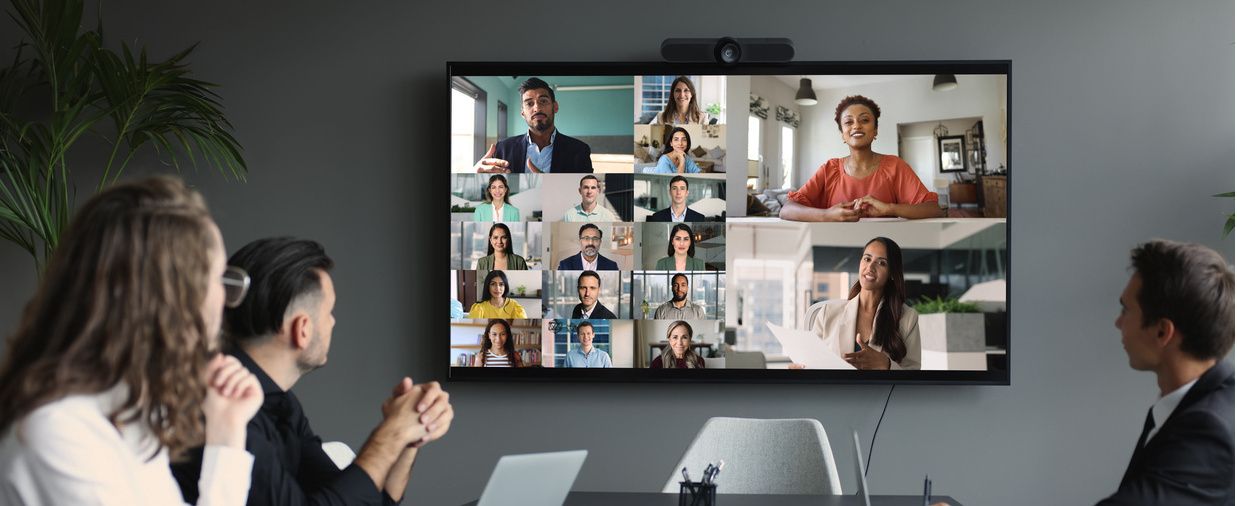

Native BYOD Mode: Users can connect laptops via USB-C for content sharing and charging, without interrupting active Google Meet calls.
Automatic Operation Mode Switching: Taurus monitors call state to ensure smooth transitions between Meet and BYOD modes.
Multiple Source Management: Connect multiple laptops via USB-C and easily switch between them for content sharing.
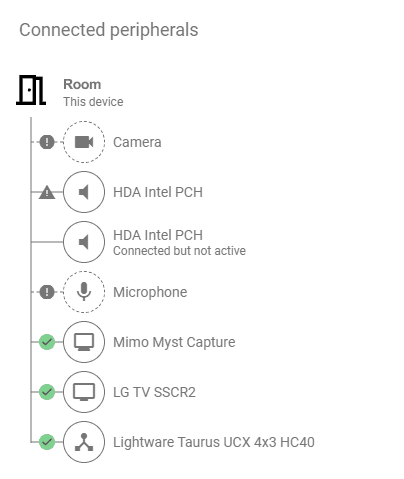
Manage Your Devices in One Place
Admin Management: Taurus devices can be managed and monitored through the Google Admin Console. Administrators can view device status, check connectivity, and perform basic diagnostics from a single interface.
No Network connection required: Taurus connects to the Google Meet hardware via USB only. Since it does not rely on the network for communication, no additional network configuration, IP setup, or firewall adjustments are needed.
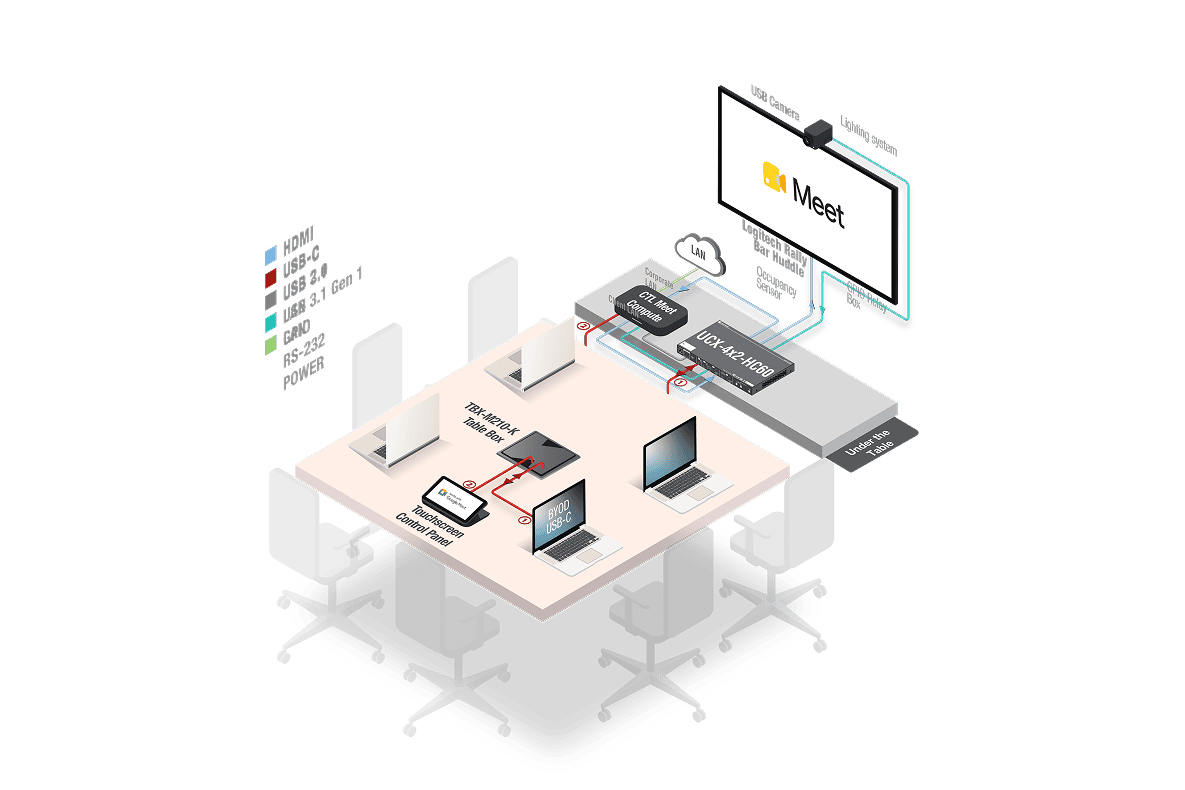
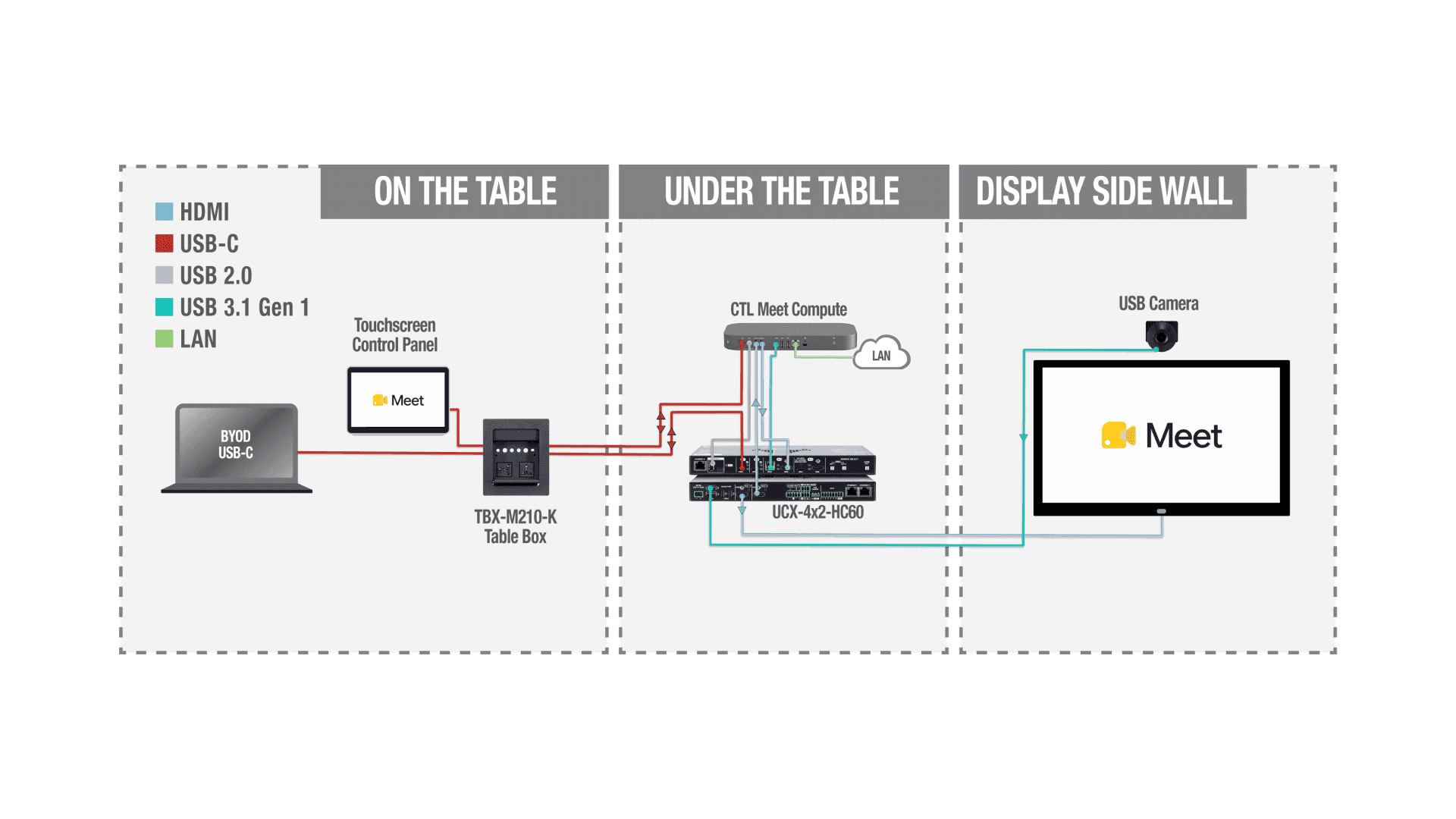
Application / UCX-4x2-HC60 / Google Meet
Integration Overview
- The Taurus UCX connects to the Chromebox via USB, enabling simple peripheral integration without network dependency.
- When the room is idle, a connected laptop can use the display and USB devices for BYOD presentations.
- ·During Google Meet calls, the Chromebox maintains full peripheral control for stable operation.
- The Taurus is visible as a certified device in the Google Admin Console for centralized monitoring
Why This Matters for the AV Integrator
Faster, simpler installations USB-centric architecture means fewer points of failure, less configuration, and shorter deployment time.
Officially supported, future-proof solution The integration is developed and supported in partnership with Google — ensuring long-term reliability and consistent updates.
Centralized management = reduced support load Google Admin Console makes remote oversight easy, lowering helpdesk calls and on-site maintenance needs.
Flexible for any room size The UCX family scales from small huddle spaces to complex multi-display boardrooms.
A better customer experience means return business Smooth switching, stable performance, and simple workflows translate to higher end-user satisfaction — which reflects directly on you as the integrator.
Why End-Users Will Love It
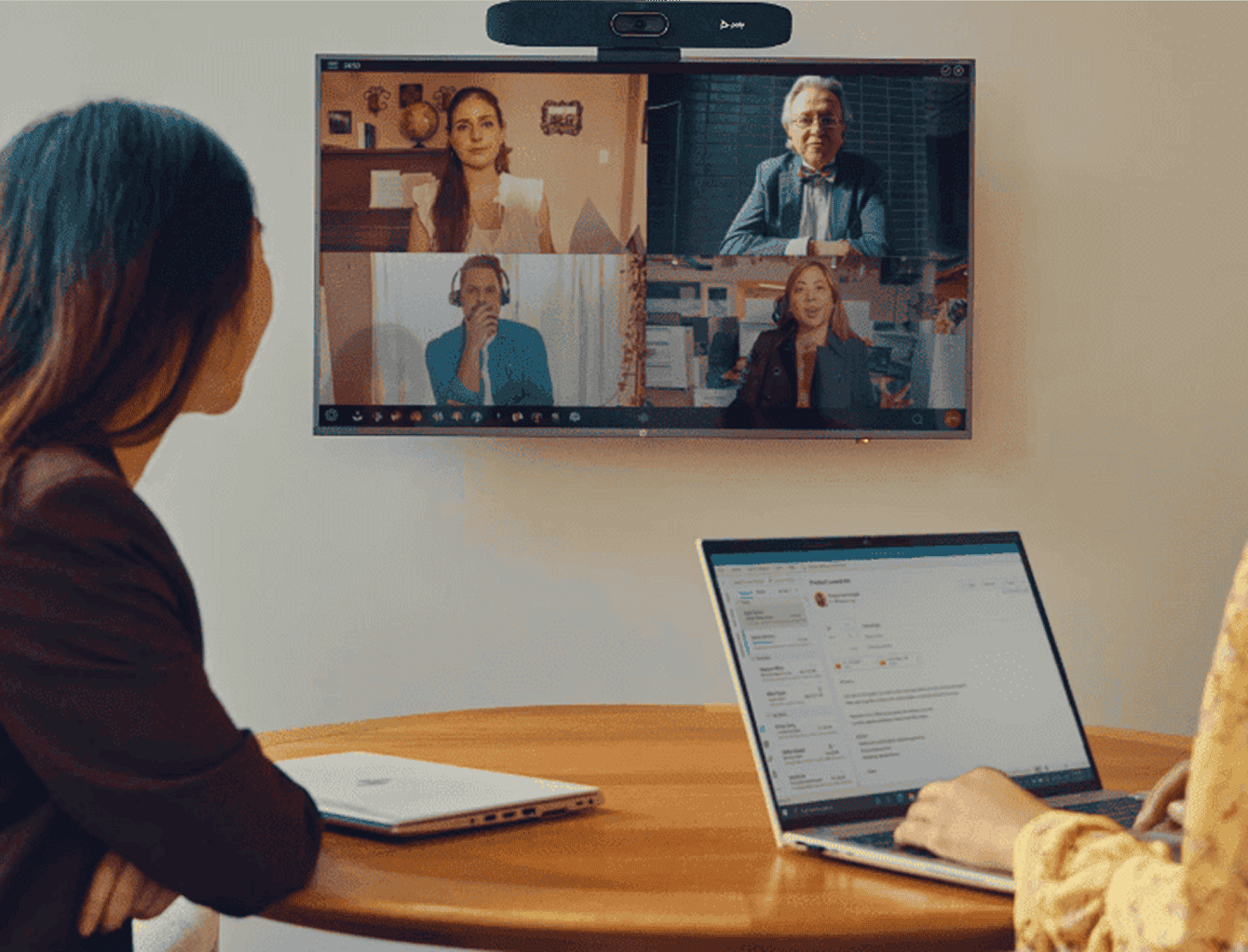
Effortless meeting starts Users simply plug in a USB-C cable — sharing begins instantly, and active Meet calls continue uninterrupted.
Multi-presenter friendly Switching between participants is quick and intuitive, perfect for hybrid teams and fast-moving meetings.
Consistent, reliable performance High-quality video, audio, and content-sharing via a single cable makes every meeting feel clean and professional.
Unified IT management Google Admin Console allows issues to be identified and resolved faster, minimizing downtime and confusion.
Device-agnostic workflow Whether someone brings a Mac, Windows laptop, or Chromebook, the experience remains smooth and predictable.
Certified Compatibility
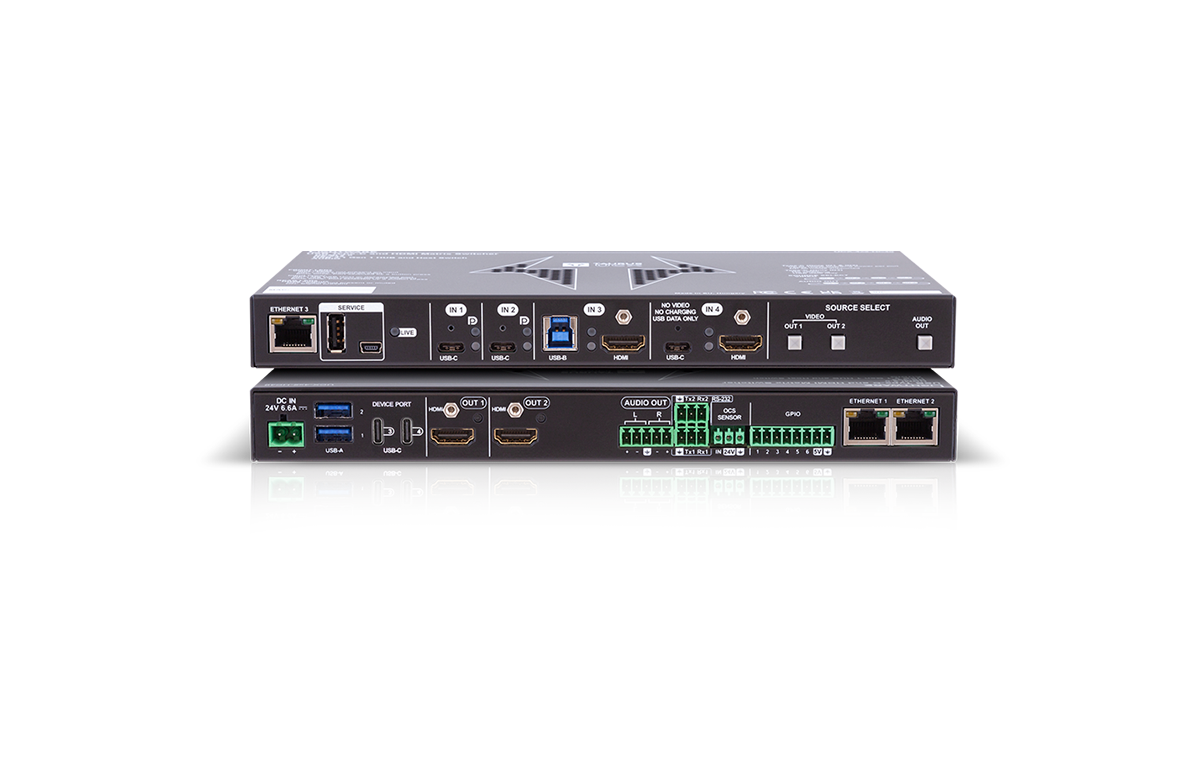
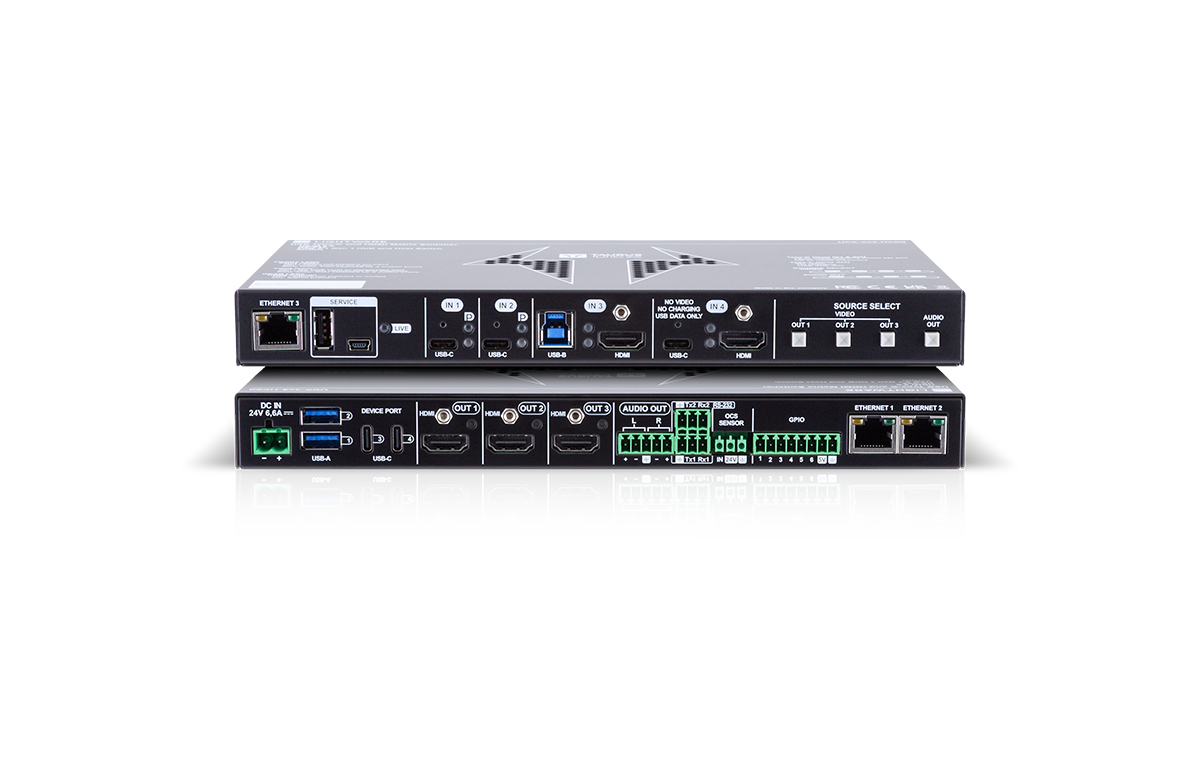
Your Google Meet Hardware Works Best with the Following Lightware Products
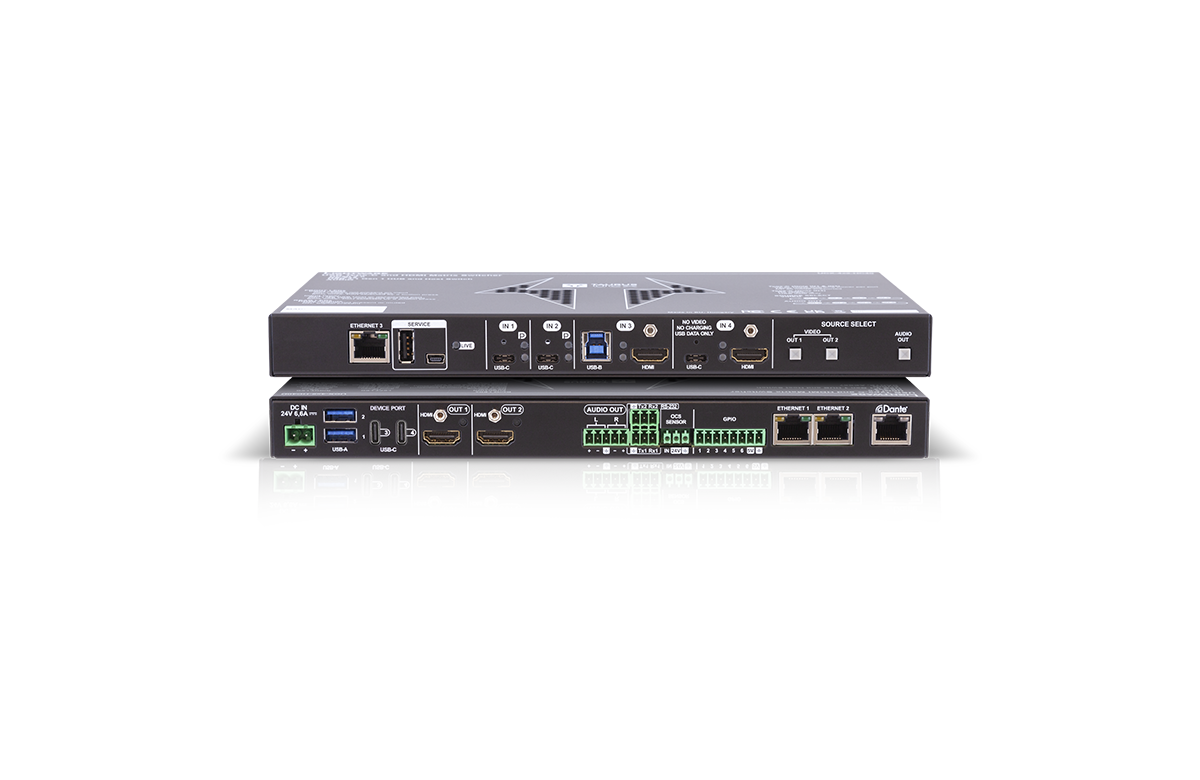
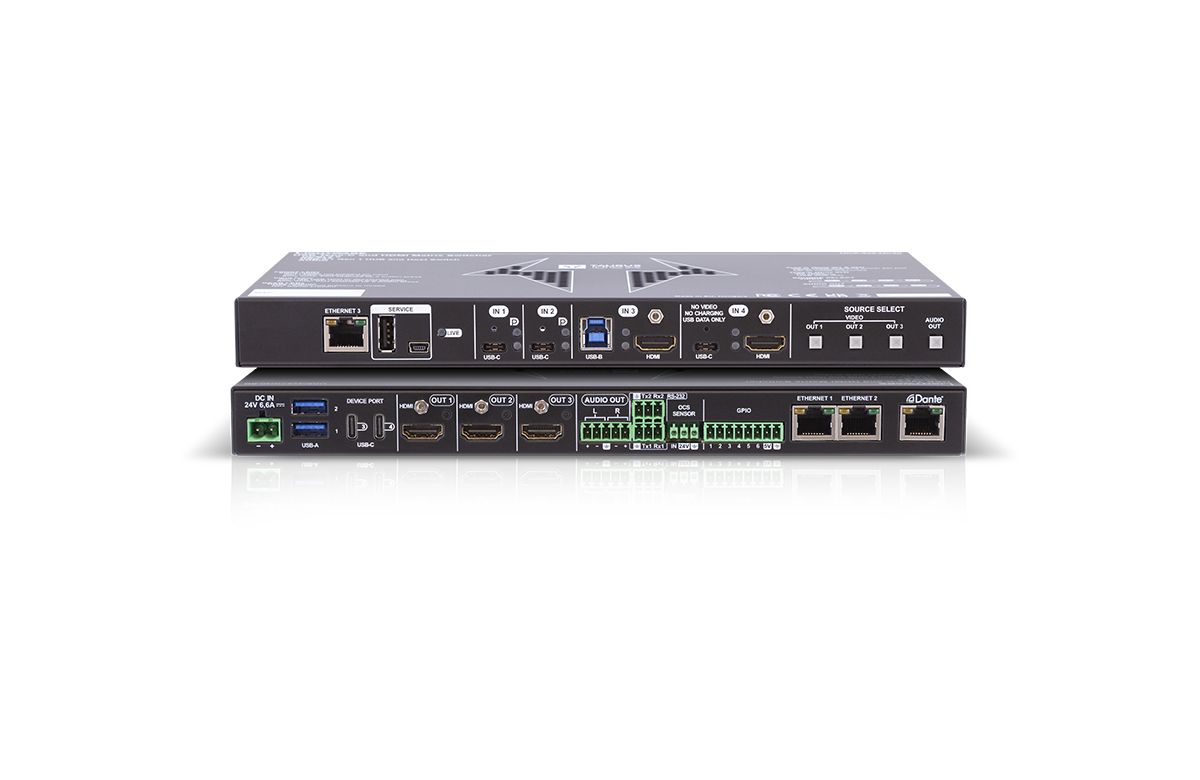


8 products
Ideal for

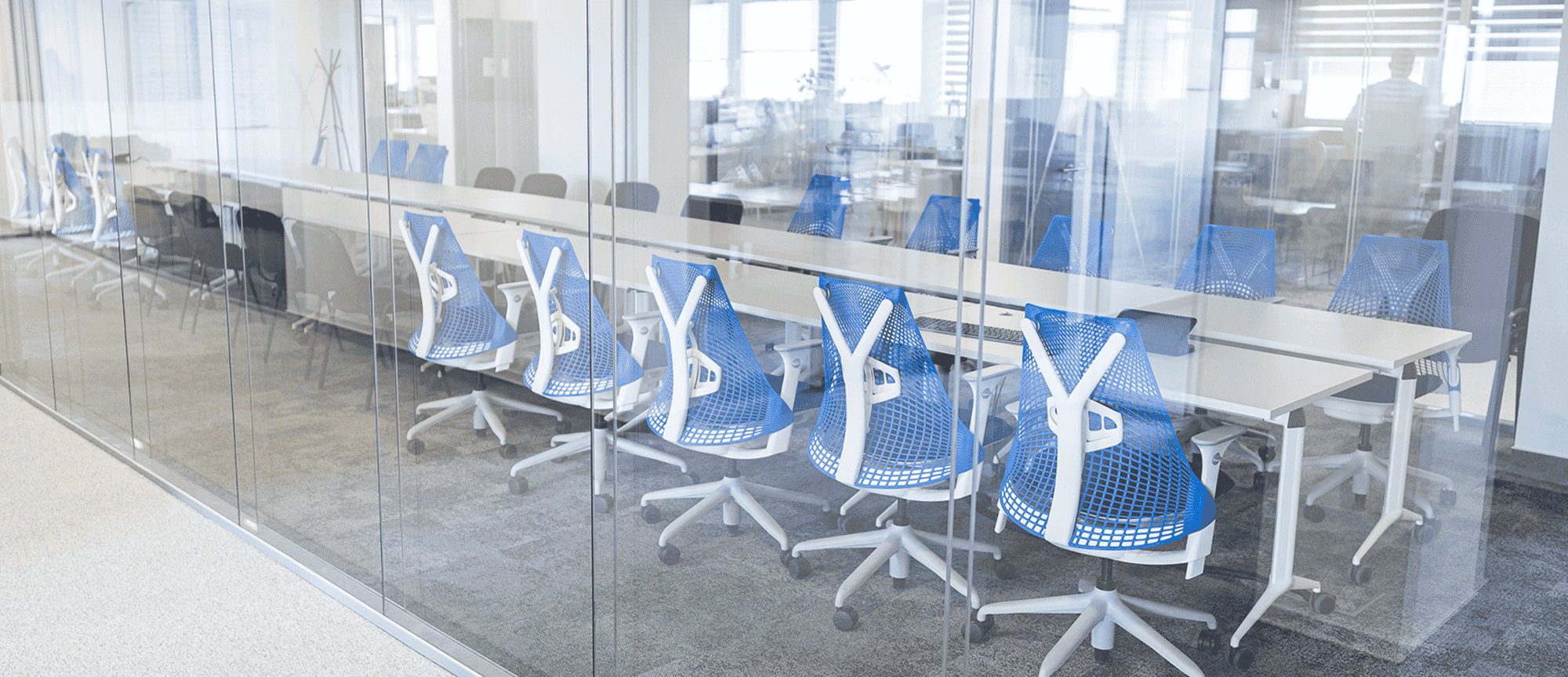
Small & Medium Meeting Rooms
Small to medium meeting rooms requiring flexible BYOD/BYOM solutions
Download the Integration Package
You can download the connecting modules for Taurus UCX from Google’s website.
